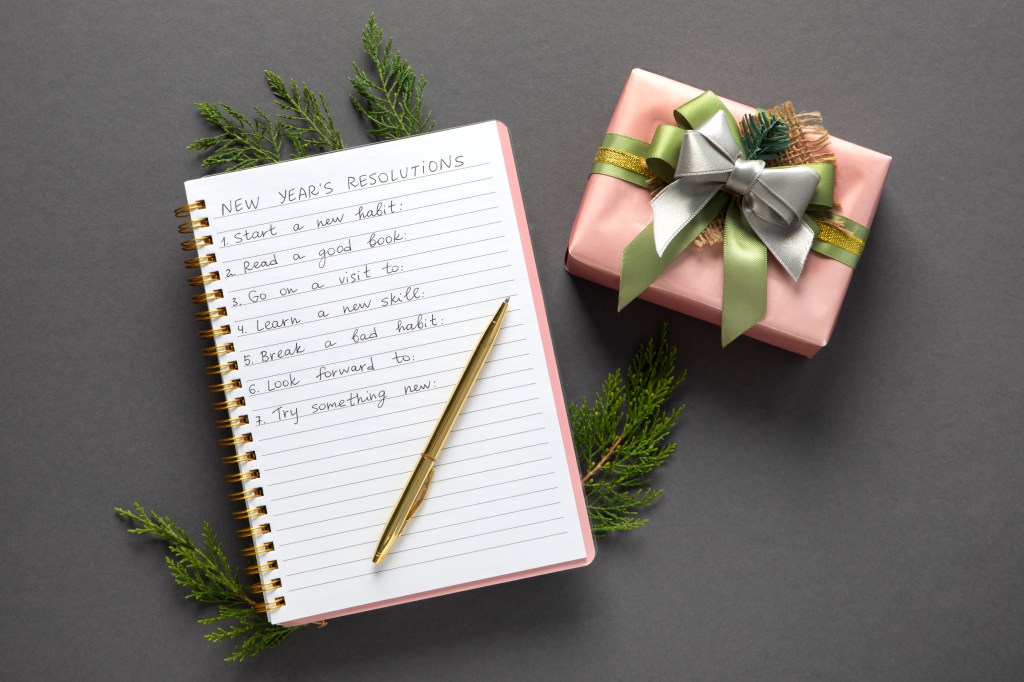
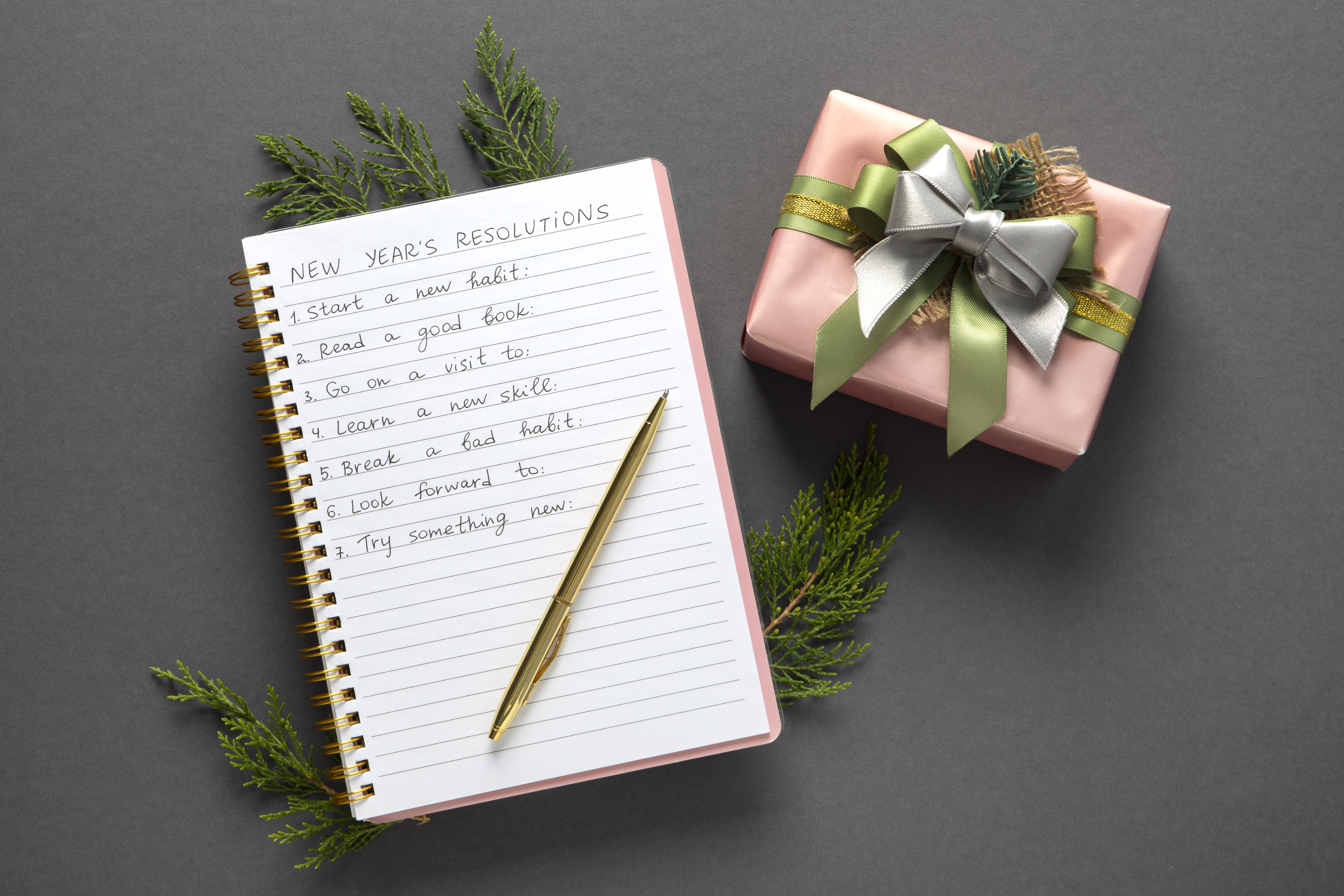
Whenever you make your to-do lists, don’t make them so long that any sane person would take one look and climb to the highest building for a dive. Instead, set up your to-do lists realistically to take into account the time you have and the importance of the tasks that you need to perform.
A good way to organize things is daily, weekly, monthly and in order of urgency. It can also help to tackle tasks that you dislike first, and then you will feel accomplished getting those things out of the way. To help you create realistic to-do lists, a good planner can really help.
– Ensure Your Planner Is Up to Date
If you use a planner of some kind, whether computerized or paper, it’s imperative that you keep it up to date. If the system you’re using is too difficult to keep up to date or use, then it won’t work.
The trick to ensuring a planner really works is to develop the habit of looking at it in regular intervals. Make sure you look at it every morning and every evening at least. If you also look at it several times during the day, to mark off what you’ve done and to add to it, you’ll be able to keep on track.
There are many different types of planners that you can use. Let’s take a look at a few. Each has its own pluses and minuses. Also, what’s right for another person might not be right for you. Don’t feel pressured to use new technology when old technology works for you just fine. Use what works, and use what you will use.
1-Paper Planners
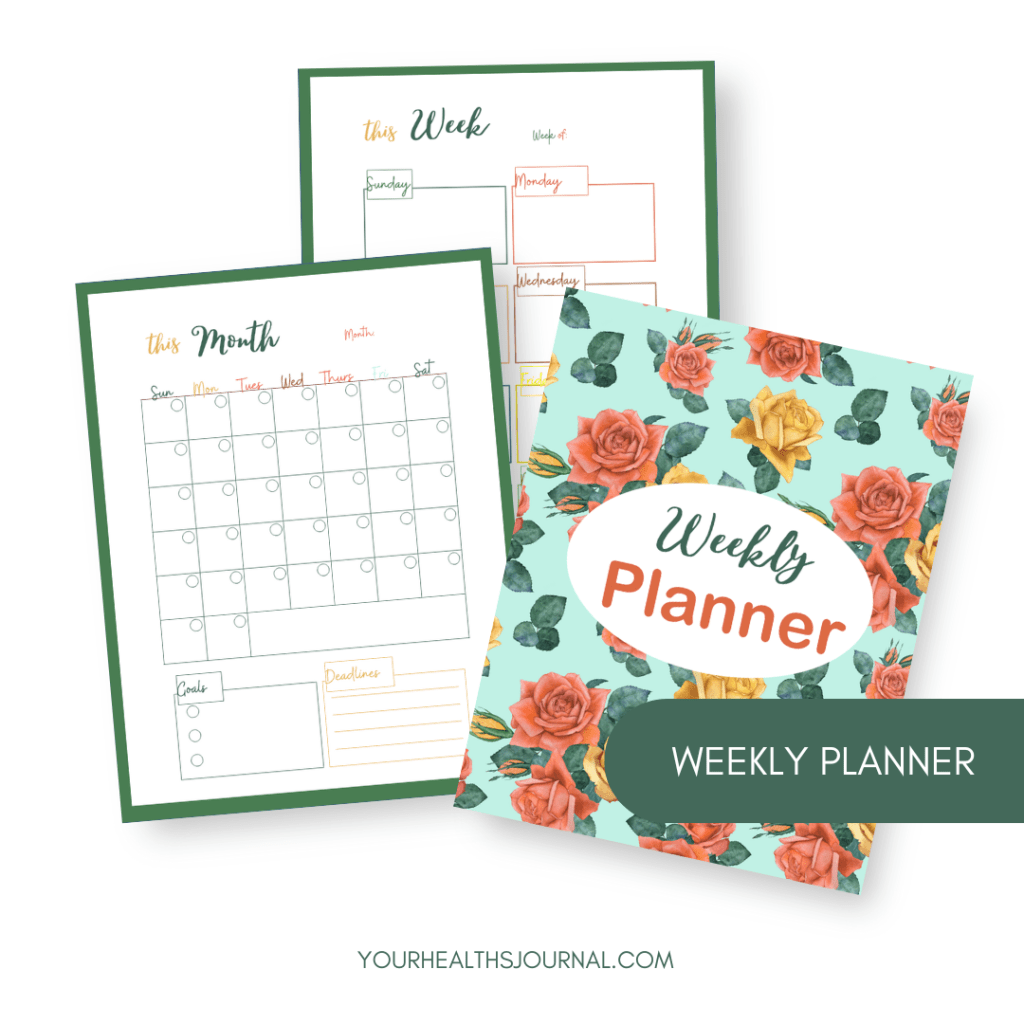
They’ve been around for ages and come in all different styles. Paper planners can be carried with you and used very easily.
A good example of a paper planner is the popular Filofax .These have been around a long time, before the First World War even, and come in a variety of sizes and styles. People who use a Filofax swear by it. You can get them in a variety of brands such as Franklin Covey and even Louis Vuitton. You will have a lot of choices if you like using paper.
2-PC Based Planners
More recently coders have developed various online planners that you can use with your PC. Here are two to try.
- WeeklyPlan.net : This is based on the “GTD” (getting things done) method and helps you get your days organized. It works on a week at a time and helps you break down to-do tasks in a logical way.
- DayViewer.com: DayViewer has an online calendar, contact management, online journal, and to-do list; it even has a motivation system and reminder system. It helps you get more organized all in one place.
3-Planning Apps
Besides paper planners and PC based planners, you can also get apps for your mobile device. Here are a couple you can take a look at and try.
- Schedule Planner : This app works with an Android system and is available in Google Play. It enables you to map out your tasks and keep them organized. You can even compare what you wanted to do with what you actually do.
- Planner Plus: This is a day planner that can be used with the iPhone. It gets you organized with tasks and you can view a day, a week or a month at a time – whatever you prefer.
The important thing to do is to pick something that allows you to have checklists, projects and next actions listed in a way that makes sense. You want to be able to make plans, track the plans, and more with whatever system you use. And remember, you want to pick a system that works for your lifestyle. If you’re not big on technology, you might want to stick to paper. But if you enjoy using technology, like most people today, then choose the right technology for you.
Don’t forget to follow us on Facebook, Instagram, Pinterest, and Twitter. Visit our shop to get our FREEBIE. If you don’t want to miss any updates, enter your email to subscribe here!
See you soon,
Ludmilla!





 Your Health's Journal
Leave a comment